
? 01 - PROJECT PROFILE
Web Application & Client Portal
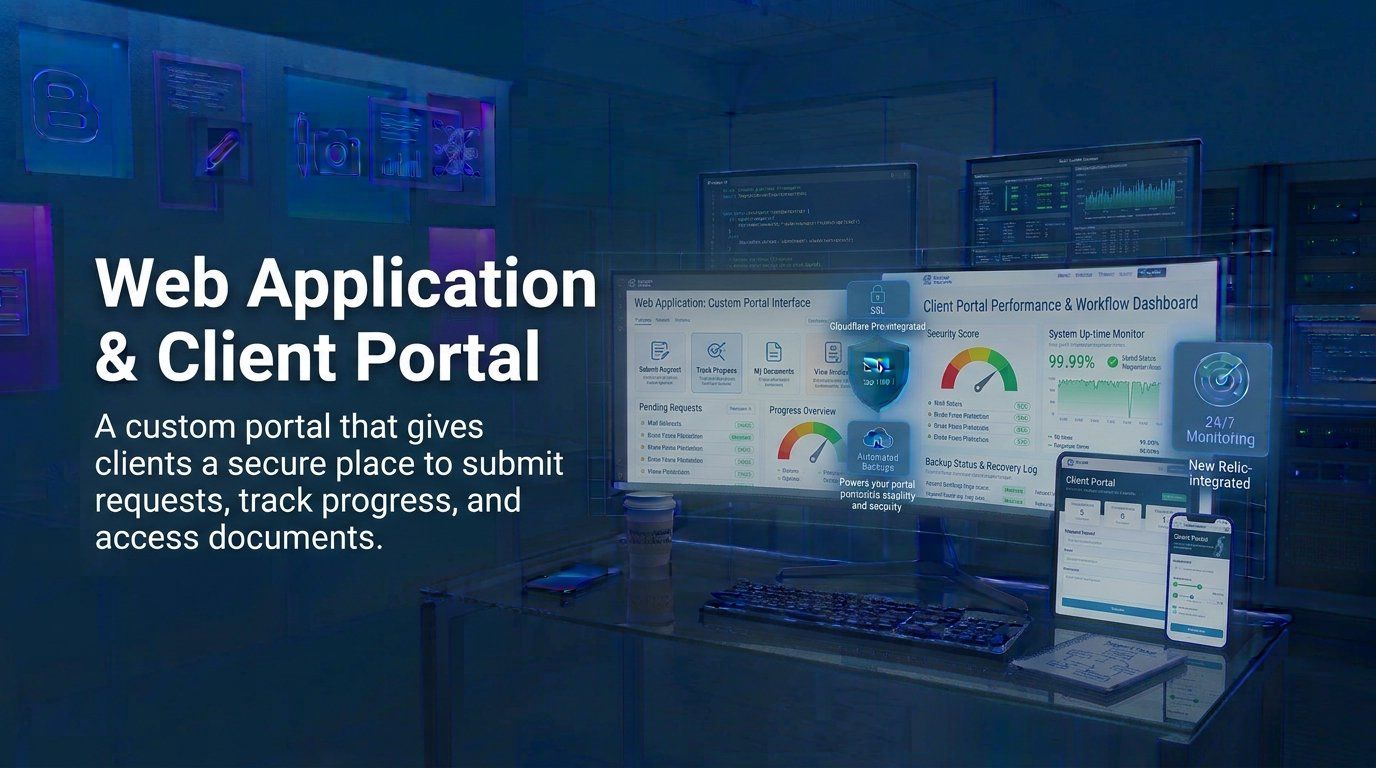
A custom portal that gives clients a secure place to submit requests, track progress, and access documents.
The Brief
A service business was managing client requests through email and spreadsheets, which made it hard to track progress and keep information secure.
Email and spreadsheets work until they do not. Requests arrive in different inboxes, attachments are easy to lose, status questions turn into long message threads, and no single person holds the whole picture of who asked for what and what stage it has reached. Every new client made the workaround heavier, and the information being shared sat in places that were never designed to keep client data secure.
The brief centred on three practical goals for the web application and client portal:
- Give each client one secure place to submit requests and access documents
- Make progress visible so status questions stop consuming the team
- Replace the email and spreadsheet workaround with a workflow the business can run daily
Security was not an optional extra in this project. The portal needed to know who each account belonged to, restrict each client to their own information, and keep requests, documents, and notifications inside a controlled environment rather than scattered across inboxes.
The workaround also had a security cost. Attachments and client documents lived in email threads and shared folders, where access is hard to limit and hard to revoke. When information is spread that way, the business cannot promise clients that their details are handled carefully. The web application and client portal project was therefore as much about control as about convenience: knowing who can see what, and keeping client information inside one managed system.
Growth made the workaround harder every month. Each new client added more email threads, more spreadsheet tabs, and more documents to find, while the person who knew where everything lived became a bottleneck. The problem was not effort — the team was working hard inside a system that could not scale past a handful of active requests. A structured web application was the practical answer: replace the manual process with defined forms, visible stages, and access that matches each client.
Our Approach
We designed a role-based portal with request forms, status tracking, and document access, then integrated it with the company website.
The delivery included:
- Secure client accounts with role-based access to requests and documents
- Request forms that collect the information the team actually needs
- Status tracking so clients can see progress without asking by email
- A document library for sharing files and updates with each client
The portal was designed around the way requests already moved through the business. Clients submit information through structured forms instead of freeform email, the team sees every request with its owner and stage, and document access follows the same account that made the request. Nothing is visible to the wrong client because access is tied to the role, not to copying links around in messages.
The web application was integrated with the company website on the same WordPress platform, so the public site, the request workflows, and the content pages share infrastructure instead of running as separate systems. The front-end design followed the company brand, while the portal itself was built for clarity: a client should understand where their request stands without instruction, and staff should be able to move work forward without rebuilding context from email threads.
Security and reliability were built into the foundation. Accounts require sign-in, forms validate their input, and the hosting setup the portal sits on provides the SSL, backups, and update routines the rest of the website already depends on. The goal was a client portal the business could trust with real client information.
The usability decisions shaped how the portal feels day to day. Forms ask only what the team needs to act, request stages use the vocabulary the business already uses with clients, and the client view answers the two questions every account holder asks: what happens next, and when. Those small decisions are what make a custom web application easier to adopt than another inbox with a login screen.
Technologies Used
- WordPress
- PHP
- MySQL
- JavaScript
The Results
The portal replaced email and spreadsheet tracking with a clearer request workflow. Clients can submit information, track progress, and access documents through one secure interface.
Practical outcomes after launch:
- Requests submitted through forms, not email threads
- Progress clients can check themselves at any time
- Documents shared through secure, account-based access
- One workflow for the whole team instead of shared spreadsheets
The most important change is visibility. The business now knows, at a glance, which requests are open, who is responsible for them, and what a client is waiting on. Clients have a single place to submit information and follow progress instead of guessing where their request sits inside an inbox.
The portal is also easier to grow than the workaround it replaced. New request types, additional document categories, and further client-facing features can extend the same structure rather than starting another spreadsheet. In short, this web application development turned a scattered request process into a secure client portal the business can run every day.
The change also freed the team from the most repetitive part of client communication. Status questions and document requests that once filled inboxes now resolve inside the portal, so the team spends time on the work itself rather than on chasing updates. For a service business, that time back is the real return on the web application development: less coordination overhead and a client experience that feels organised from the first request.
The portal also makes the next phase easier. New request types, additional document categories, and onboarding checklists can extend the same structure instead of reopening the spreadsheet. For a service business running a client portal, that is what turns a website from a brochure into a working tool.